



Charging your phone overnight is a common habit for many. However, is charging your phone overnight good for it, and what should you keep in mind when charging the battery? Let’s follow this article to answer the question of whether you should charge your iPhone overnight! Let’s check it out!
1. Understanding the iPhone Battery
– The iPhone battery is a type of Li-ion battery with the main component being an electrolyte that acts as a medium for Li+ ions to move back and forth between two electrodes. – When the device is operating, Li+ ions move from the anode to the cathode, and the process reverses during charging. – The lifespan of a Li-ion battery is calculated based on charging cycles. – Battery degradation is due to a certain amount of Li+ ions being retained at the two electrodes after each charge/discharge cycle due to the chemical processes occurring in the battery.
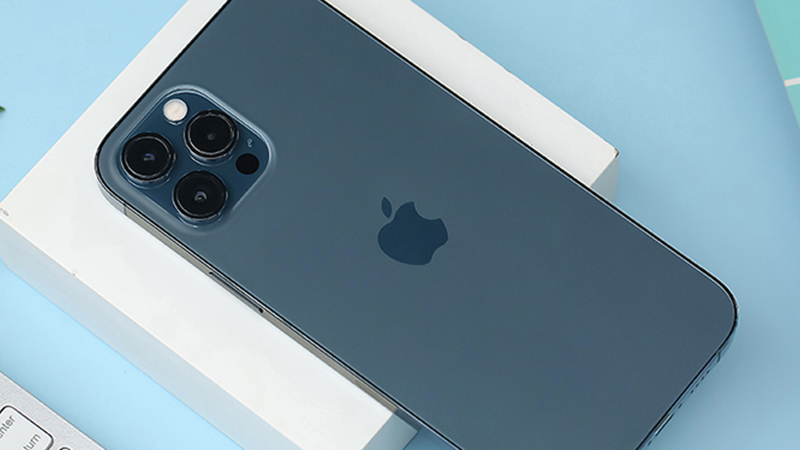
iPhone Battery
2. Should I Charge My iPhone Overnight?
Apple confirms that charging an iPhone overnight will negatively impact the battery, and keeping it plugged in after it’s fully charged reduces its lifespan. Lithium-ion batteries degrade over time, losing their ability to hold a charge and decreasing battery performance.
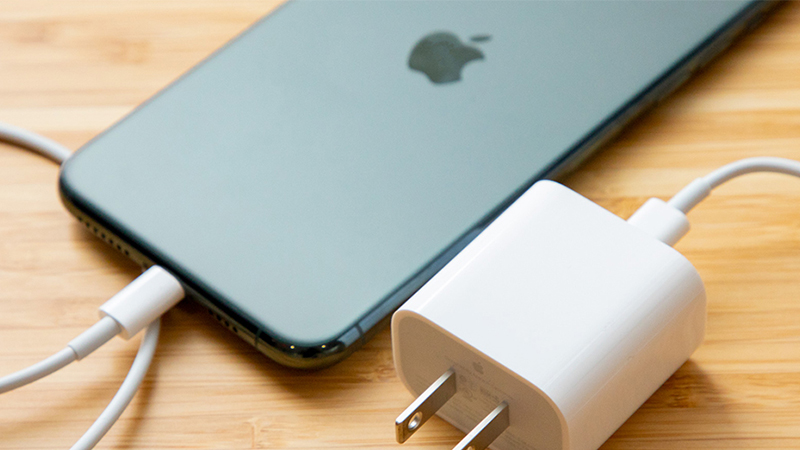
Charging your iPhone overnight can affect its battery
3. So, How Should You Charge Your Battery Correctly? Apple’s Answer
Apple recommends users to stop charging as soon as the iPhone battery is full or use the Optimized Battery Charging feature for iOS 13 and later versions. This will help maintain the iPhone battery longer and reduce the risk of fire or explosion due to improper charging. Additionally, letting your phone battery completely drain is also not good for its lifespan. To slow down the aging process of your iPhone battery, never let the charge reach 0%, and avoid constantly charging it to 100% or letting the battery fall below 50%. – Quick Guide to Setting Up Optimized Battery Charging: +Step 1: Go to Settings>Battery>Battery Health.
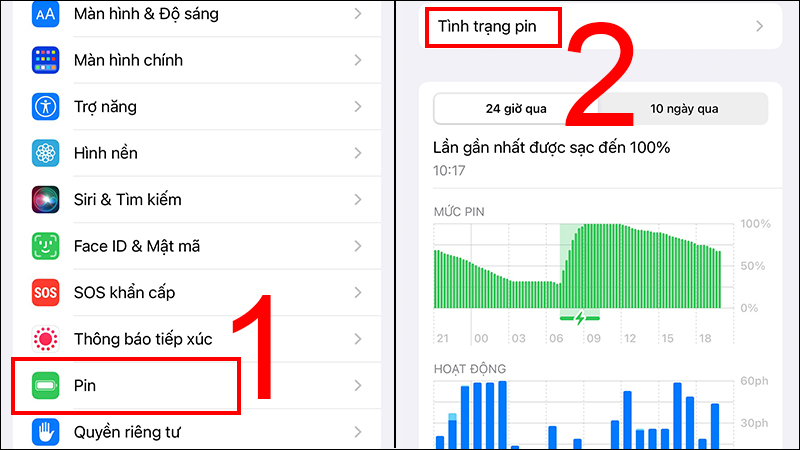
+Step 2: Then select Optimized Battery Charging.

4. Some Notes When Charging Your iPhone Battery
Avoid Letting Your iPhone Power Down Completely
Letting your iPhone completely power down is a mistake that shortens the battery’s lifespan, so check your battery level regularly and charge it in time!
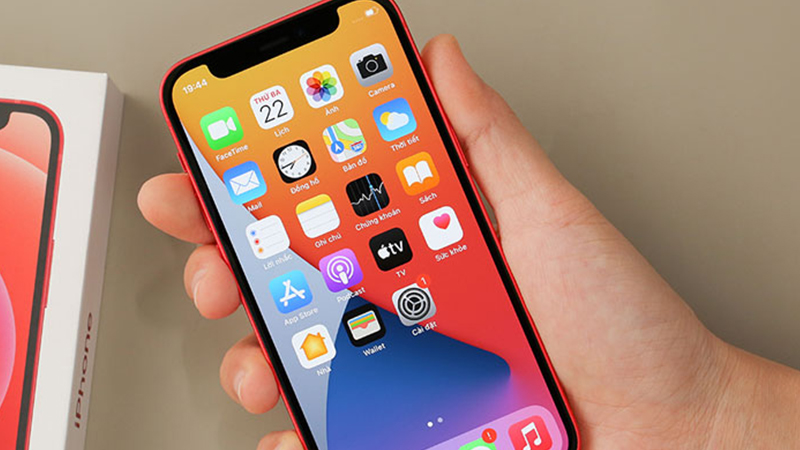
Avoid letting your iPhone run out of battery
Use Genuine Charging Cables
To protect the lifespan of your iPhone battery and ensure fast and safe charging for both your phone and yourself, use a genuine charging cable.
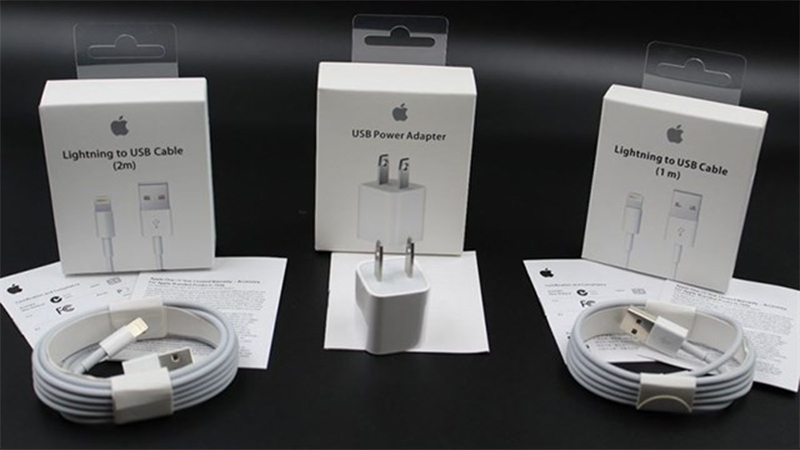
Using genuine accessories ensures safety
Avoid Using Your Phone While Charging
Using your phone while charging can easily lead to battery degradation. Furthermore, this can damage the charging cable, extend charging time, and even cause accidents such as fires, explosions, or electric shocks.

Do not use your phone while charging
Optimize the Charging Process
For users with iOS 13 and later, you can use the Optimized Battery Charging (Optimized Battery Charging) feature to extend battery life during charging. With this feature, after reaching 80%, the phone will automatically stop charging, minimizing battery degradation from prolonged charging and overnight charging.
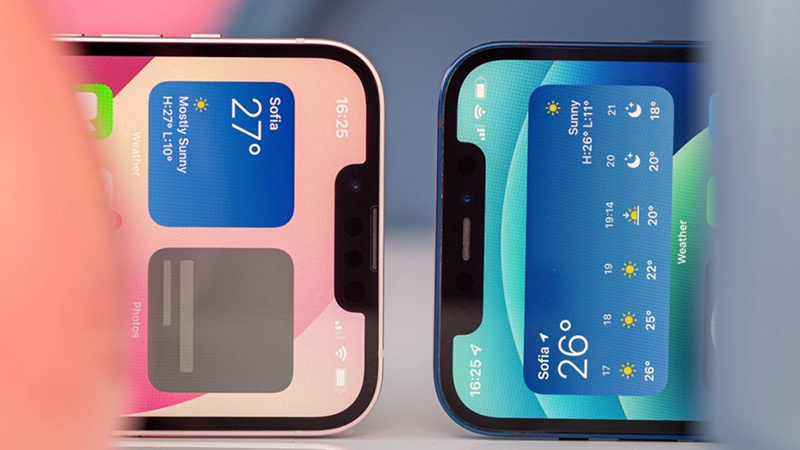
Optimize the charging process
Remove Your Case While Charging
A phone case can indirectly cause your phone to overheat. Charging your iPhone in a high-temperature environment will reduce battery life, so remove your case while charging!
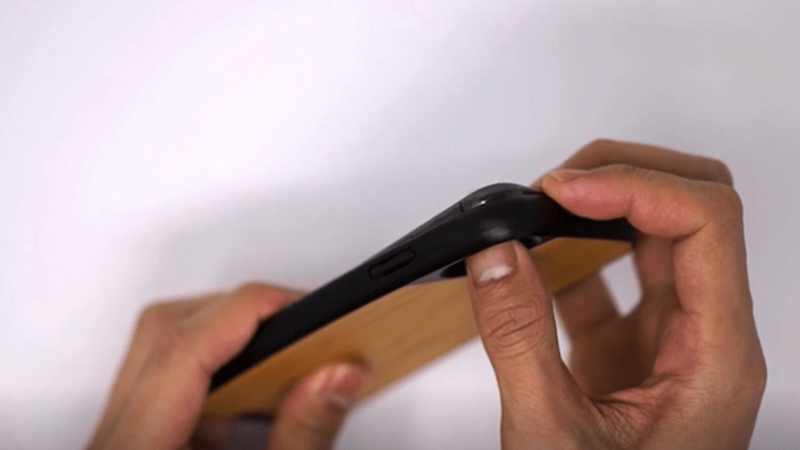
Remove your case while charging
Avoid Charging Your iPhone via USB Port
The power supply from a USB port is very low, making charging slow and unstable. Especially, if this happens frequently, your iPhone’s battery will degrade quickly.
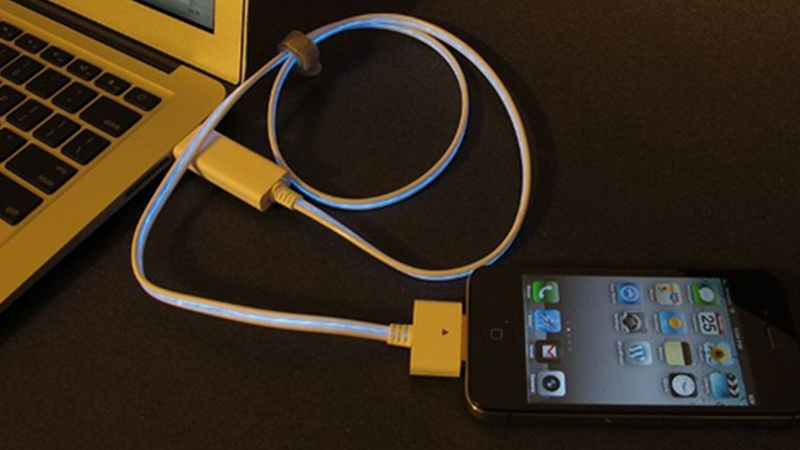
Do not charge your iPhone via USB port
Turn on Low Power Mode
Apple introduced Low Power Mode to extend phone usage time, especially when your battery is at 20%. This mode automatically turns off after you charge your phone. To set this feature, go to Settings, select Battery, and turn on Low Power Mode.
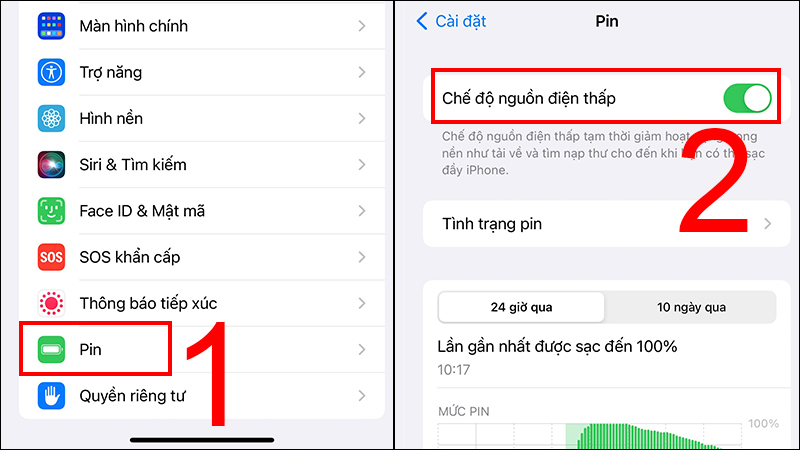
Go to the battery menu and turn on Low Power Mode
5. Frequently Asked Questions
My iPhone 11 didn’t come with a charger, so I bought a genuine 20W fast charger from TGDD. Will it harm my phone? The battery dropped by 5% in a short time.Answer: This should not affect your phone. Because it’s a new phone, the battery capacity is not yet stable and will fluctuate. The battery capacity will stabilize with prolonged use.

Frequently asked questions about iPhone battery Will charging my iPhone 12 overnight cause battery degradation?Answer: Avoid prolonged overnight charging or overcharging to prevent long-term damage to the battery life.
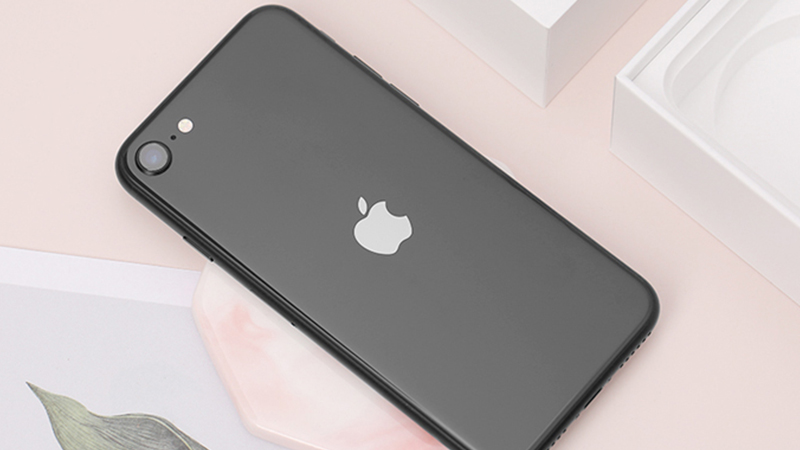
Overnight charging can cause battery degradation If I charge my battery to 100% and forget to unplug it, will it be affected?Answer: It’s okay to leave it plugged in after it reaches 100%; modern smartphones have technology to automatically stop charging when full. However, the phone maintains a small amount of power to keep the battery at 100%, so it’s best to unplug it once it’s full.
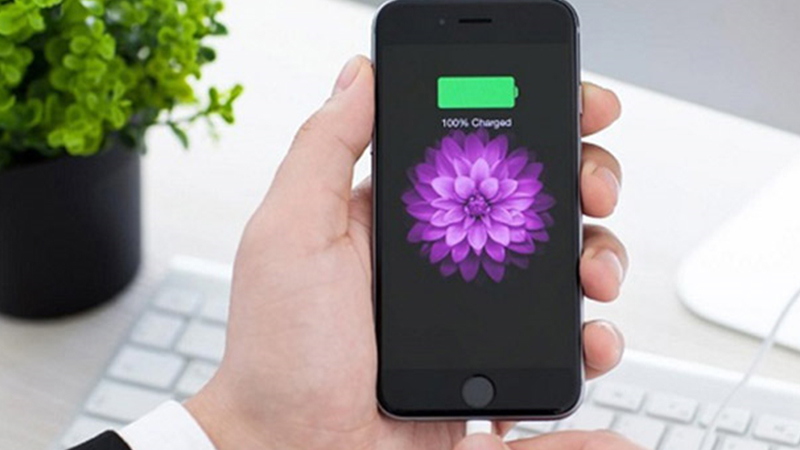
Smartphones support automatic cutoff technology when fully charged We hope that with the knowledge we’ve provided, readers will have a better solution for using their iPhones and charging their batteries safely and effectively!
