


The iPhone is currently one of the most popular phones on the market. Besides Apple’s genuine iPhones, the market also features various other options such as gray market iPhones, refurbished iPhones, CPO iPhones, etc. Among these, iPhone Bypass is a commonly mentioned concept. So, what is an iPhone Bypass? Should you buy one? Let’s find the answers in this article!
1. What is an iPhone Bypass? Where does it come from?
Definition
iPhone Bypass refers to a non-owner iPhone that is iCloud locked or malfunctioning. These iPhones utilize bypass techniques exploiting operating system vulnerabilities, allowing users to skip the Activation Lock screen and use the phone normally.
For these reasons, iPhone Bypasses appear on the market at a significantly lower price than genuine iPhones.
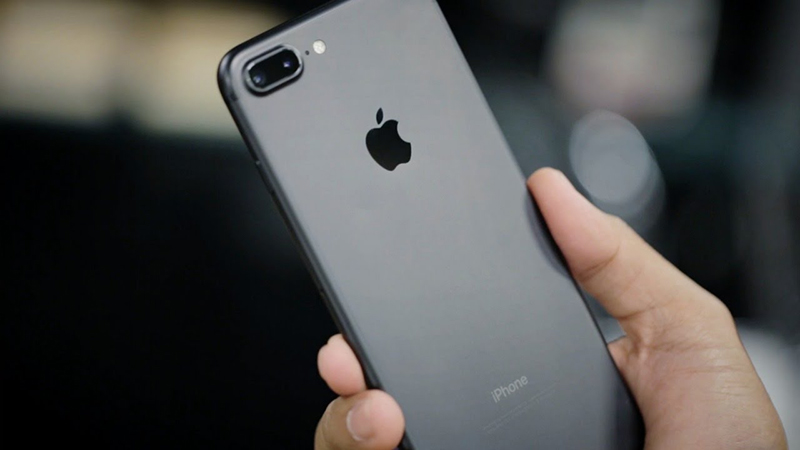
An iPhone Bypass is a non-owner iPhone that is iCloud locked or malfunctioning.
DON’T MISS: When will the iPhone 15 be released? What’s new? Latest updates 2023
Origin
iPhone Bypasses often have an unclear originand provenance. These could be stolen devices, phones whose previous owners forgot their iCloud credentials, or phones with replaced components…
These iPhones are modified by hackers using tools to overcome the Activation Lock security feature. Afterward, users can utilize the phone normally with a hidden iCloud account.
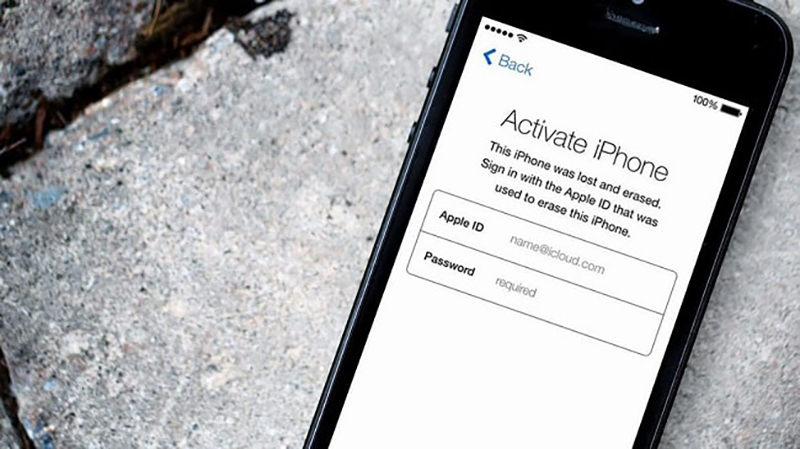
iPhone Bypasses often have unclear origins.
2. How to Identify an iPhone Bypass
Method 1: Connecting the iPhone to iTunes and 3uTools on your computer
One of the simplest ways to determine if your iPhone 14 Pro Max is a Bypass phone is to connect it to iTunes and 3uTools on your computer.
After connecting the iPhone to your computer via a cable, the system will immediately prompt you to log in to your iCloud account. If you cannot log in to your iCloud account on iTunes and 3uTools, it’s highly likely that the phone is an iPhone Bypass.
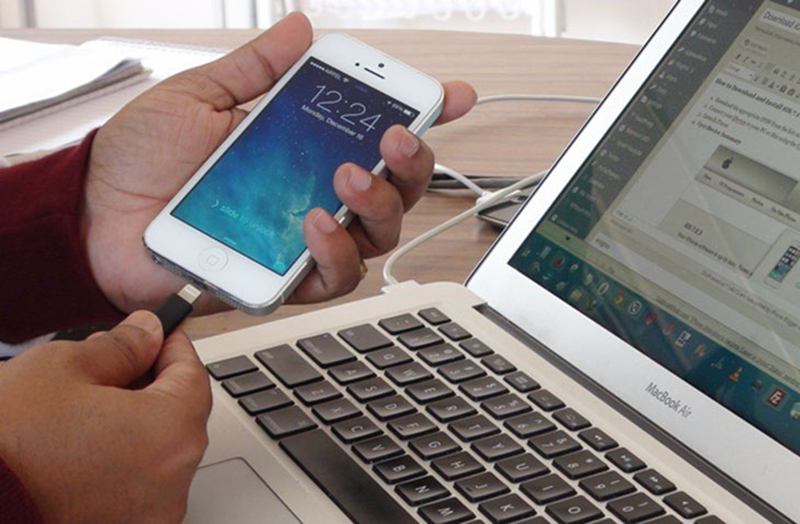
Check for iPhone Bypass by connecting to iTunes and 3uTools on your computer.
Method 2: Restoring Factory Settings
You can also try restoring the iPhone’s factory settings to check. After restoring factory settings and reactivating, the iPhone will require you to log in to your iCloud account to continue using it.
With an iPhone Bypass, you won’t be able to log in to your iCloud.
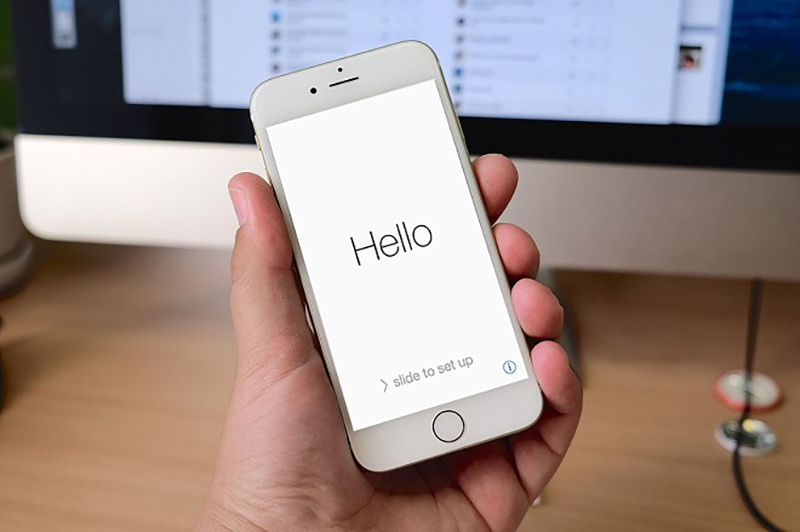
Check for iPhone Bypass by restoring factory settings.
Method 3: Inserting a SIM Card and Making a Test Call
iPhone Bypass does not support calling and texting features. Therefore, you can check by inserting a SIM card into the phone and making a test call.
If the connection is successful, your iPhone is not an iPhone Bypass; otherwise, consider this possibility!

Check for iPhone Bypass by inserting a SIM card and making a test call.
3. Limitations of iPhone Bypass
Inability to Make Calls and Send Text Messages
The biggest limitation of an iPhone Bypass is the inability to make calls or send text messages. This means that even if you insert the SIM card correctly and the phone displays signal bars, you still cannot use these functions.
Additionally, you cannot use 3G/4G on an iPhone Bypass.
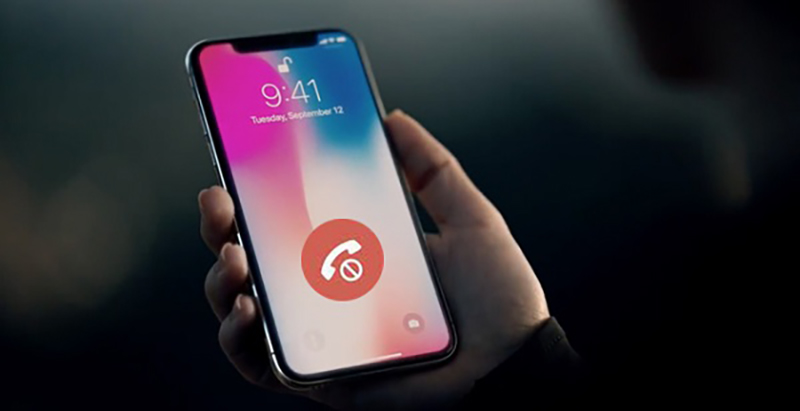
iPhone Bypass cannot make calls or send text messages.
Inability to Use FaceTime, iMessage, and iTunes
Another equally important limitation is that iPhone Bypass also cannot use FaceTime, iMessage, or transfer data via iTunes. This is because these features are closely related to the iCloud account. If you cannot log in to your iCloud account, you cannot use these features.
Additionally, accessing the App Store on an iPhone Bypass is very slow, causing significant user frustration.
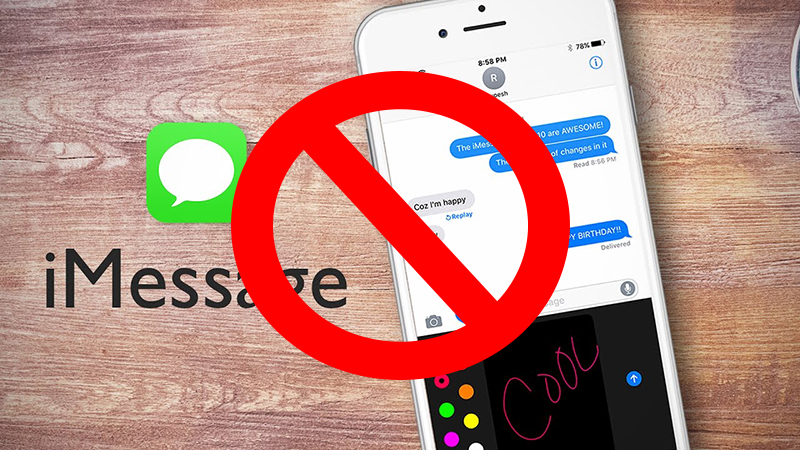
iPhone Bypass cannot use FaceTime, iMessage, and iTunes.
Other Limitations
Besides the two limitations mentioned above, using an iPhone Bypass has several other limitations, such as:
+ Inability to upgrade to the latest iOS version (like iOS on iPhone 14, iPhone 14 Plus, iPhone 14 Pro)
+ Many apps are not supported on the App Store
+ Cannot sync with Apple Watch
+ Cannot use Apple services
+ Does not receive notifications…
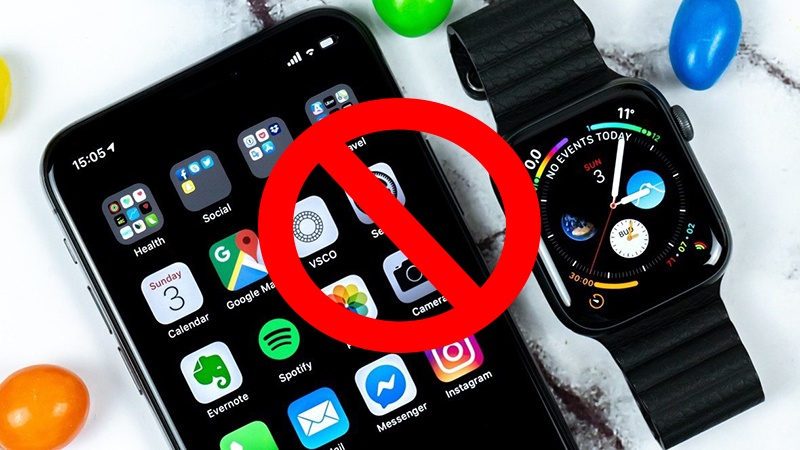
iPhone Bypass cannot sync with Apple Watch.
4. How Much Does an iPhone Bypass Cost?
Because of these significant limitations, iPhone Bypasses have the lowest price among all types of iPhones.
Bypass models from the iPhone 5s to the iPhone X range in price from $700 to over $2,200. Some iPhones even cost just over $500.
5. Should You Buy an iPhone Bypass?
Whether or not you should buy an iPhone Bypass depends on your needs, intended use, and desired price point.
If you only use your phone for watching videos, browsing the web, and playing games over Wi-Fi, this could be an affordable option for you.
However, iPhone Bypass has many serious limitations compared to the functions of a typical phone, such as the inability to make calls or send text messages. These limitations can be frustrating and inconvenient for users.
Additionally, using an iPhone Bypass can lead to other potential risks such as data loss, poor security, and unstable operation…
Therefore, carefully consider your options before purchasing an iPhone Bypass!
Should you buy an iPhone Bypass?
This article provides information and answers questions about iPhone Bypass. Hopefully, this information will be helpful to you. If you have any questions, please leave a comment below!
