


July 2016: Apple officially launched the iPhone 7 and iPhone 7 Plus duo with a series of upgrades compared to its predecessors, such as dual cameras, water resistance, etc. However, after a period of use, users noticed that their devices were draining battery quickly. So, why does the iPhone 7 drain battery so fast? Let’s find out the reasons and how to fix them.
1. Too Many Background Apps
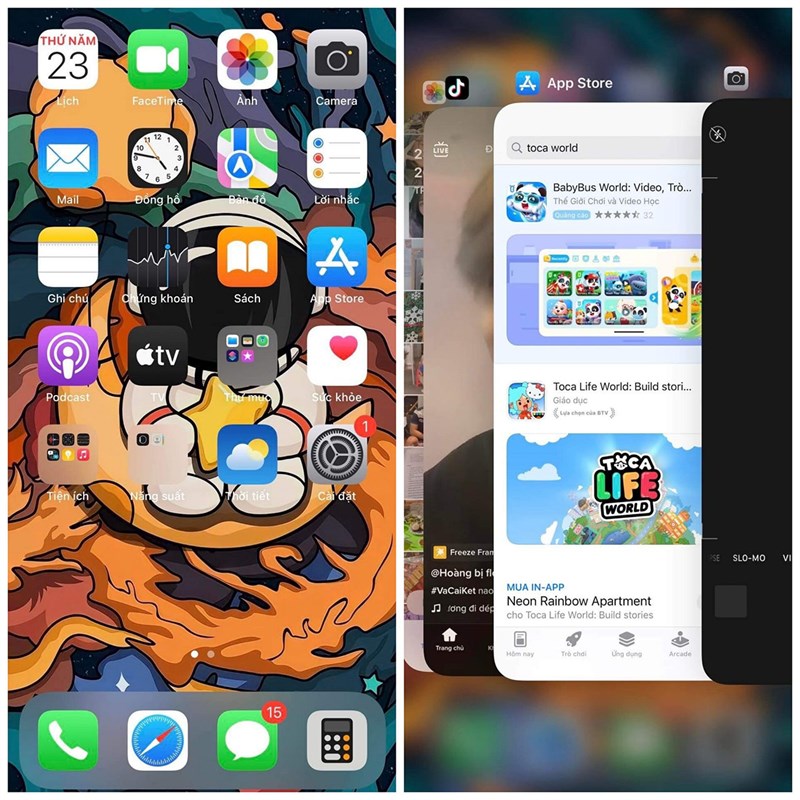
If your iPhone has too many background apps running, this not only affects the battery life but also the phone’s performance and can cause the iPhone to overheat. Therefore, regularly restart your device or close background apps to improve device performance.
2. Always-On GPS and Mobile Data
GPS location services and mobile data are also partly responsible for fast battery drain. Turn them off when not in use to extend battery life. To turn them off, first go to Settings > Privacy.

Location Services > Tap to turn off.

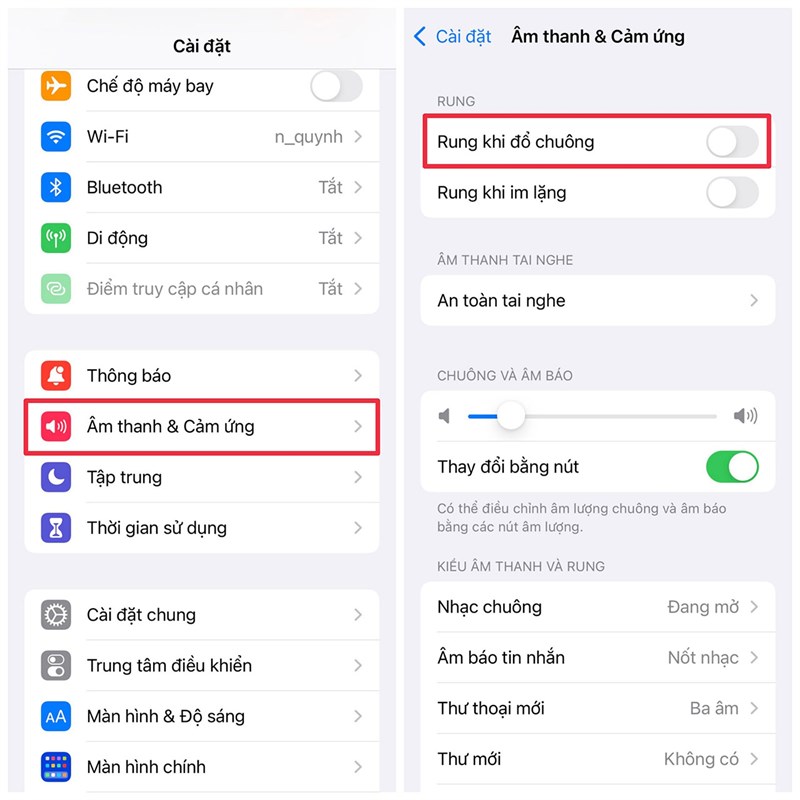
3. Vibrate on Ring
You may not think of it, but the vibrate-on-ring feature also contributes to rapid battery drain. If you’re using a ringtone, turn off this feature to improve battery performance.
Did you find this article helpful? If you find it helpful, please like and share to support me in future articles.
